How To Check BISP 8171 Payment Online In Pakistan (2026 Guide)
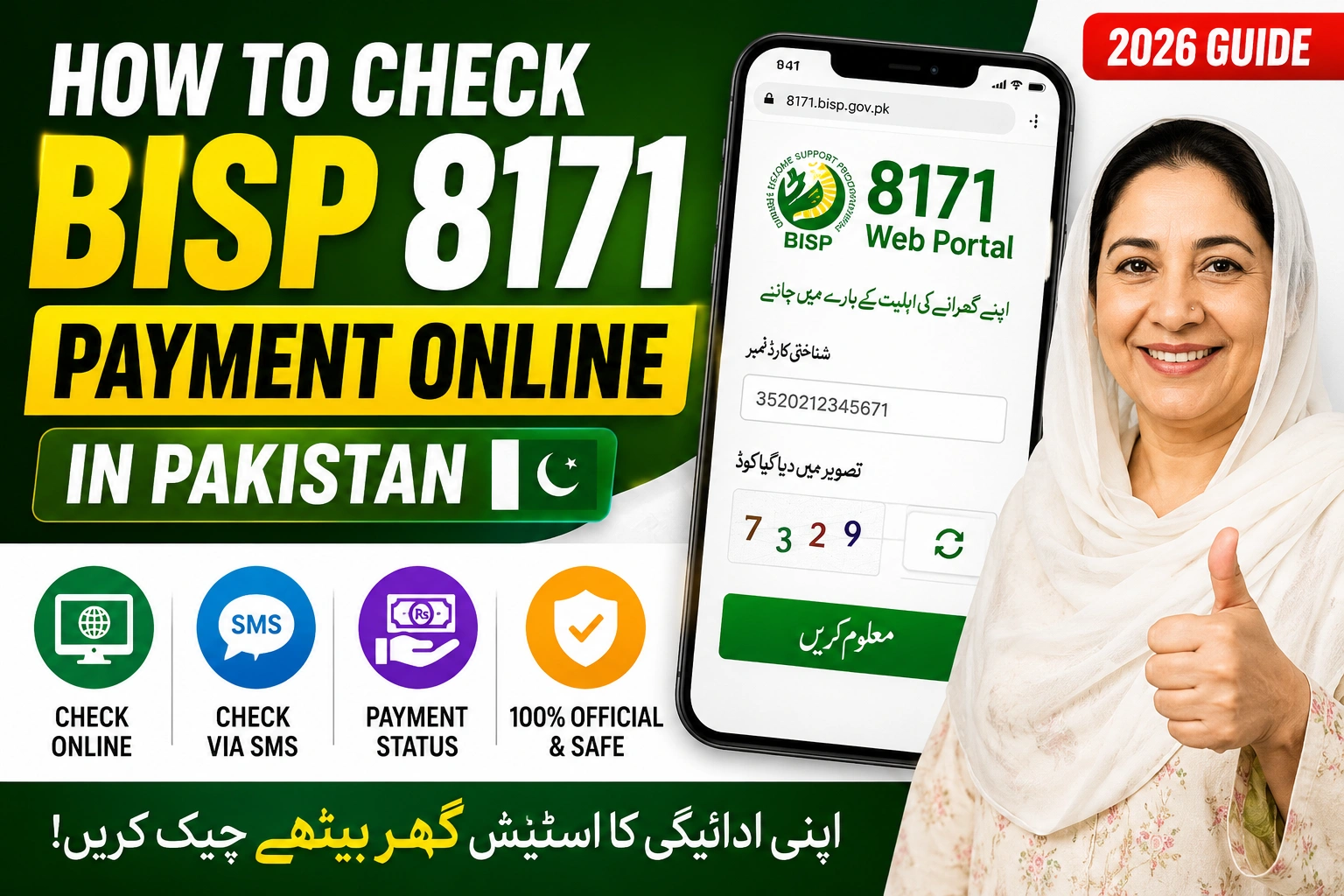
The Benazir Income Support Programme helps millions of families across Pakistan through financial assistance. If you want to check your latest BISP payment online, the 8171 web portal and SMS service make the process simple.
In this guide, you’ll learn how to check your BISP 8171 payment status online, eligibility details, and common issues people face while using the portal.
What Is BISP 8171?
The 8171 system is an official service launched by the Benazir Income Support Programme to help beneficiaries:
- Check payment status
- Verify eligibility
- Confirm registration details
- Track installment updates
You can use the service through:
- The 8171 web portal
- SMS verification
- BISP offices and campsites
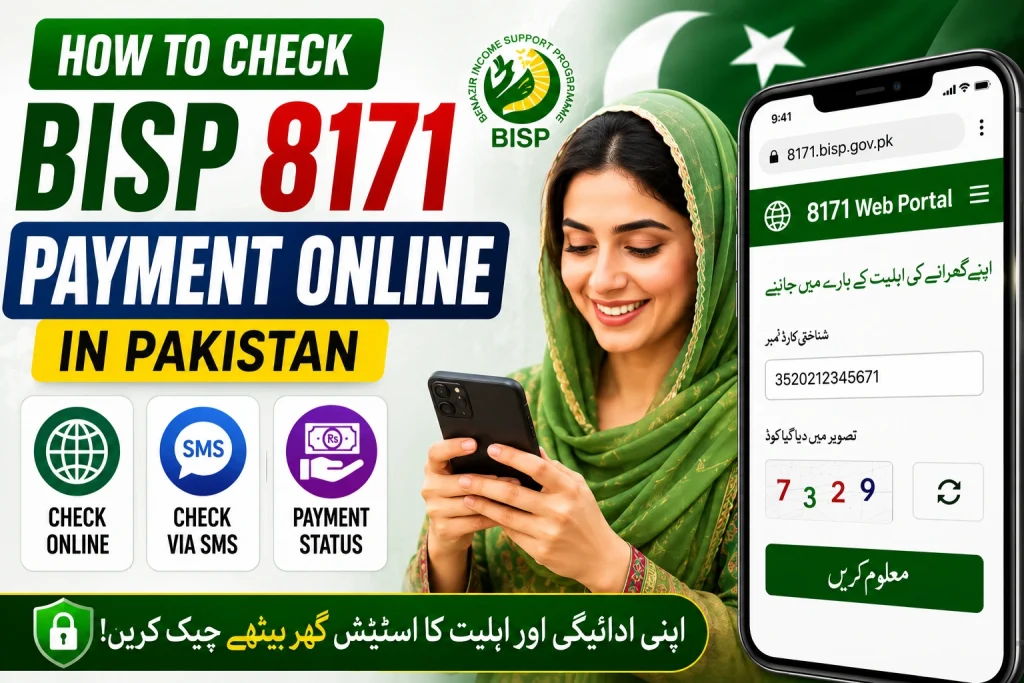
How To Check BISP 8171 Payment Online In Pakistan
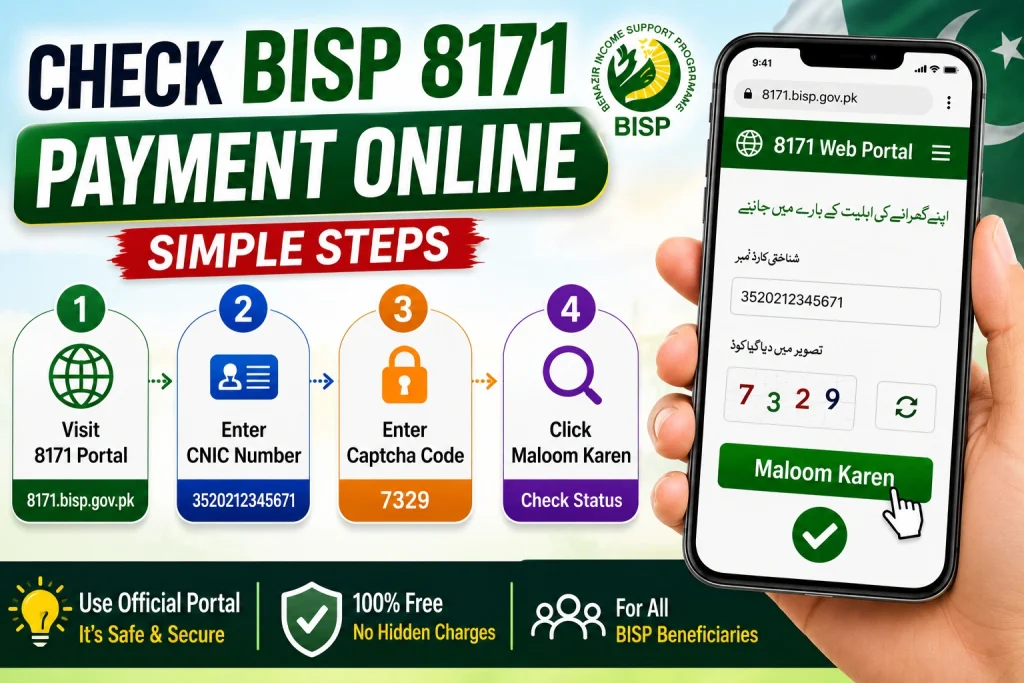
Follow these simple steps to check your payment online:
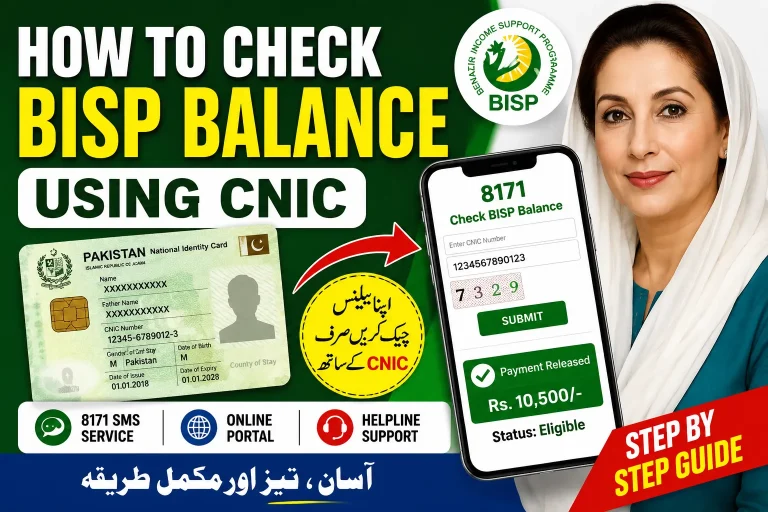
Step 1: Open the Official 8171 Portal
Visit the official BISP 8171 portal:
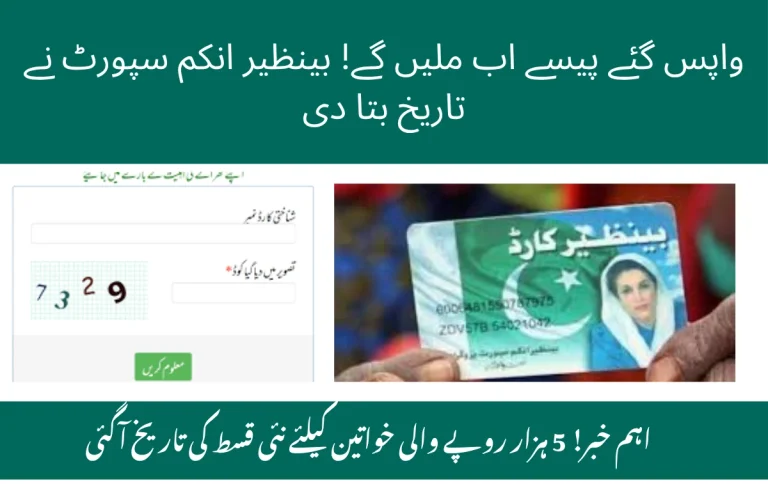
Step 2: Enter Your CNIC Number
Type your 13-digit CNIC number without spaces or dashes.
Example:
3520212345671Step 3: Enter the Captcha Code
You’ll see a security image code on the screen. Enter it correctly to continue.
Step 4: Click “Maloom Karen”
After submitting your details, the portal will display:
- Payment status
- Eligibility result
- Registration information
- Latest installment updates
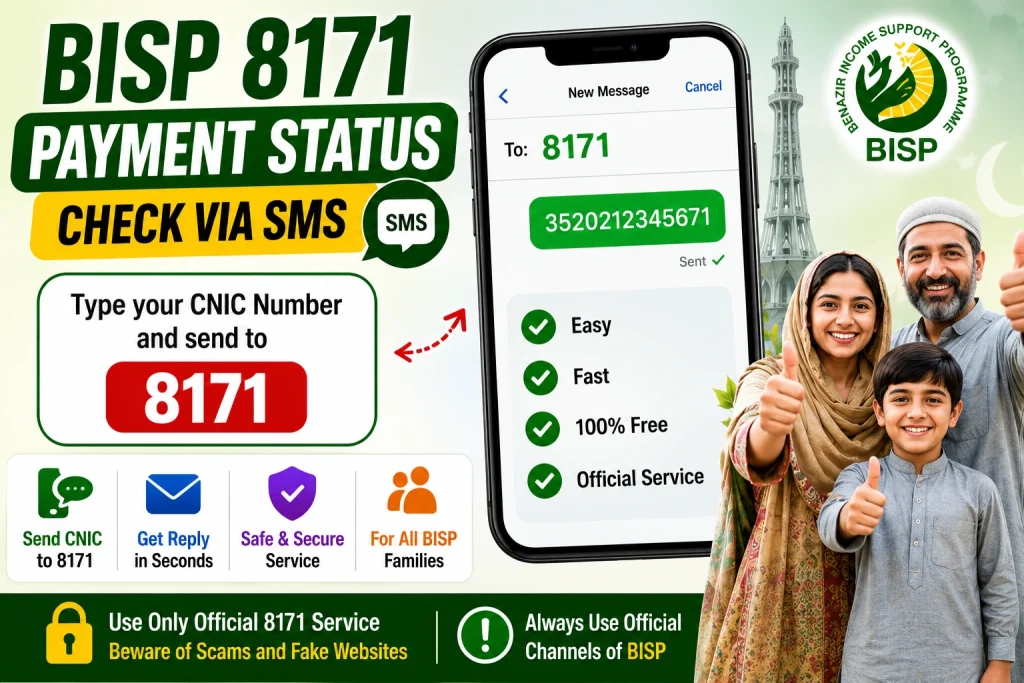
How To Check BISP Payment Through SMS
If you do not have internet access, you can check your BISP status through SMS.
Method:
- Open your mobile messaging app
- Type your CNIC number
- Send it to 8171
Example:
3520212345671You will receive a reply containing:
- Eligibility information
- Payment confirmation
- Verification status
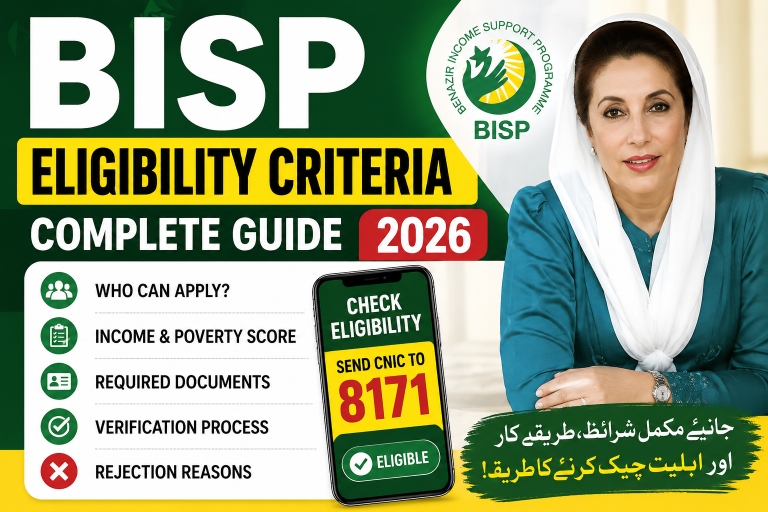
Who Is Eligible For BISP 8171?
Generally, the following families may qualify:
- Low-income households
- Widows
- Unemployed individuals
- Disabled persons
- Families registered in the NSER survey
However, final eligibility depends on government verification and updated records.
Common Reasons Why Payment Does Not Show
Sometimes users cannot see their payment online. Here are common reasons:
1. CNIC Verification Pending
Your identity details may still be under review.
2. NSER Survey Not Updated
Families who have not updated their survey information may face delays.
3. SIM Not Linked With CNIC
In some cases, verification issues happen if your mobile SIM is not registered against your CNIC.
4. Portal Under Maintenance
The 8171 portal occasionally becomes temporarily unavailable due to heavy traffic or system updates.
Important Tips For BISP Beneficiaries
- Always use the official 8171 portal
- Never share your CNIC or OTP with strangers
- Avoid agents demanding money for registration
- Keep your mobile number active
- Update your NSER information regularly
How To Collect Your BISP Payment
After confirmation, you can receive your payment through:
- BISP payment centers
- Designated retailer shops
- Bank agents
- Biometric verification points
Carry your original CNIC during collection.
Frequently Asked Questions
Can I check BISP payment without internet?
Yes, send your CNIC number to 8171 through SMS.
Is the 8171 portal free to use?
Yes, the official portal is completely free.
What should I do if my payment is blocked?
Visit the nearest BISP office and update your verification details.
Can I register online for BISP?
Currently, complete registration is usually done through NSER surveys and official BISP centers.
Final Words
Checking your BISP 8171 payment online in Pakistan is now easier than ever. Whether you use the official web portal or SMS service, you can quickly verify your payment and eligibility status from home.
Always use official government channels and stay updated with the latest BISP announcements to avoid scams and misinformation.