How To Check BISP Balance Using CNIC Online
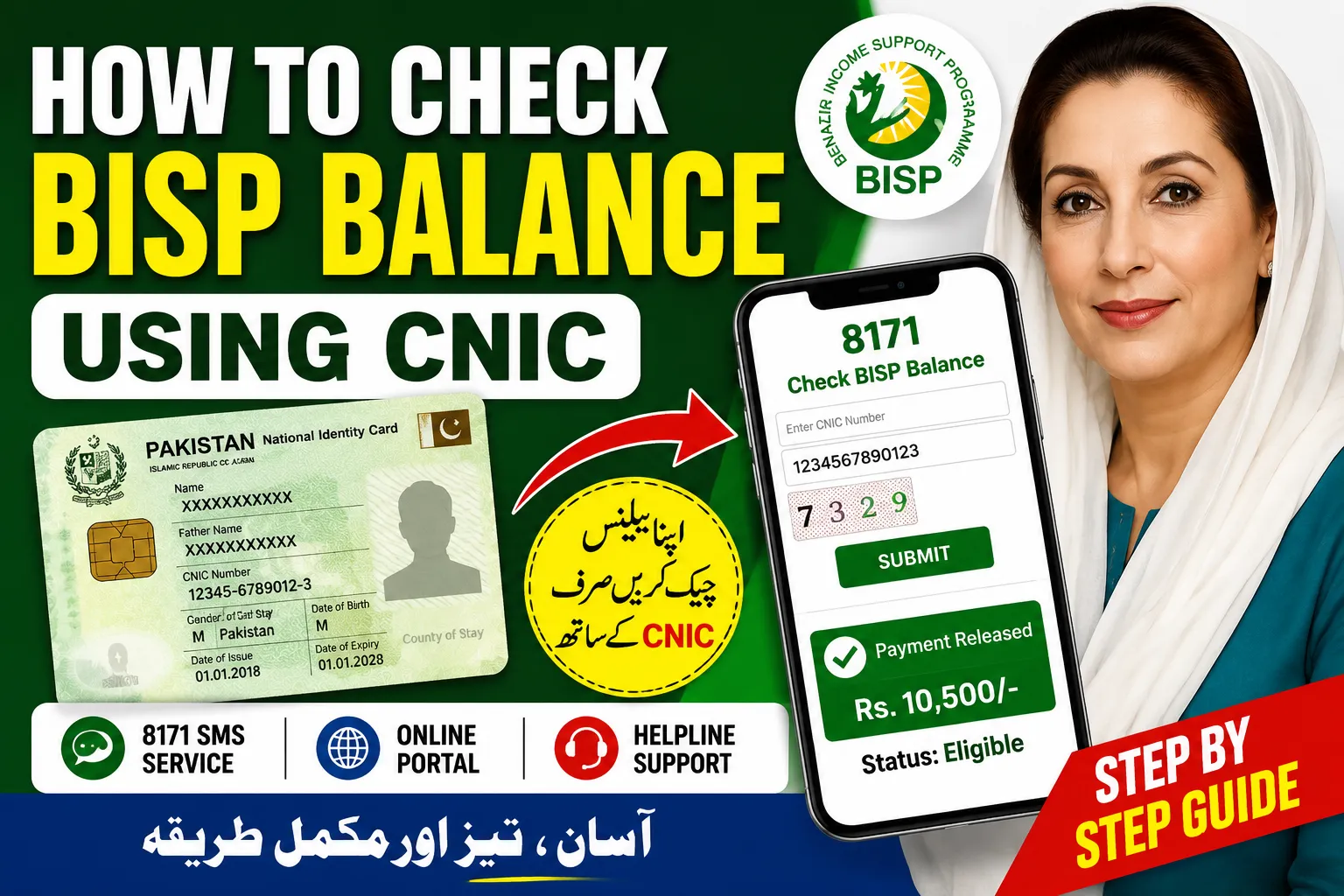
If you are waiting for your BISP payment, the first thing you probably want to know is whether your amount has been released or not. The good news is that you can check your BISP balance using your CNIC in just a few minutes without visiting multiple offices.
The Benazir Income Support Programme (BISP) offers several official ways to verify payments, eligibility, and installment details. Whether you use a mobile phone, the internet, or prefer visiting a nearby office, the process is straightforward once you know the correct steps.
This guide explains every reliable method clearly so you can avoid confusion, fake messages, and unnecessary delays.
What Is BISP and Why Balance Checking Matters?
The Benazir Income Support Programme helps low-income families in Pakistan through financial assistance. Payments are usually sent in phases, and beneficiaries often need to confirm:
- Whether their payment has arrived
- How much balance is available
- If their CNIC is eligible
- Whether verification is complete
- If any issue is blocking the payment
Checking your BISP balance regularly can help you avoid missing installments or falling victim to fraud.
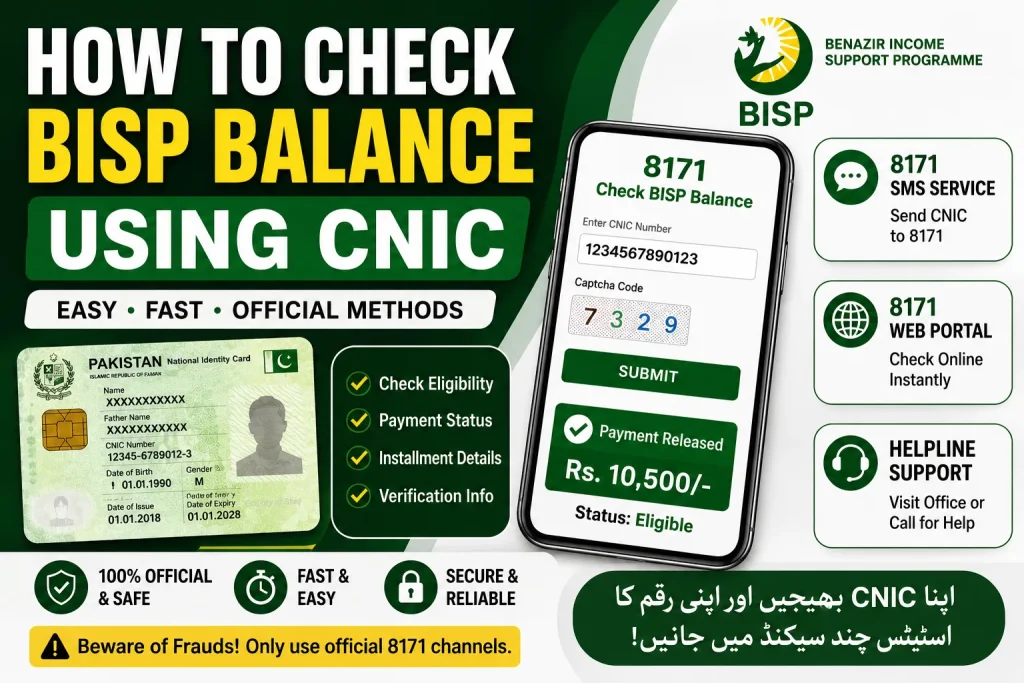
Official Methods To Check BISP Balance Using CNIC
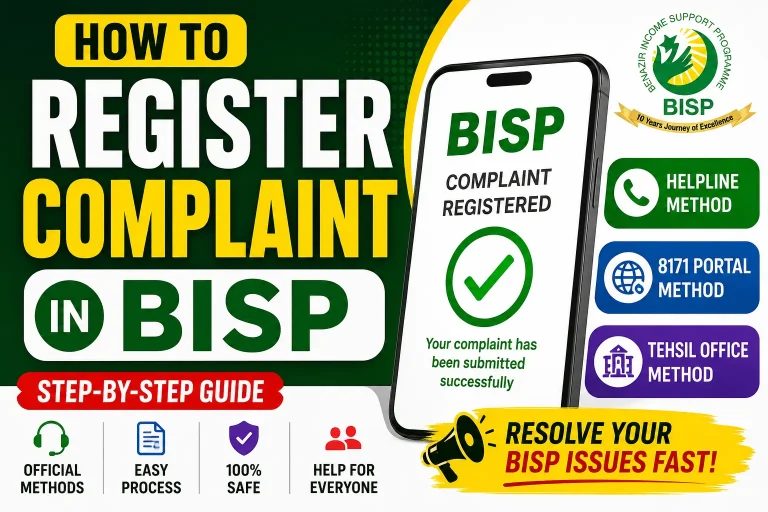
There are three commonly used methods:
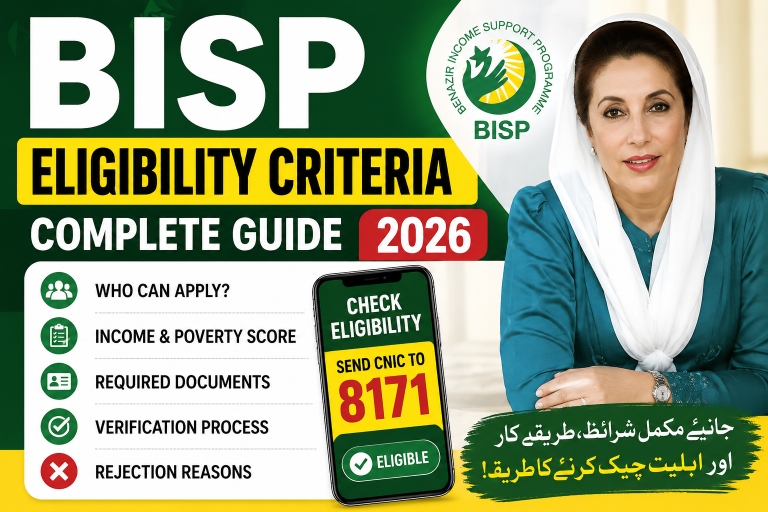
- 8171 SMS Service
- 8171 Web Portal
- BISP Helpline or Office Visit
Let’s go through each method step by step.
Check BISP Balance Through 8171 SMS
This is the easiest option for people who do not use smartphones or internet services.
Step-by-Step Process
- Open your mobile messaging app
- Type your 13-digit CNIC number without dashes
- Send it to 8171
- Wait for the confirmation reply
You will usually receive information about:
- Eligibility status
- Payment release details
- Verification updates
- Registration status
Important Tips
- Use the SIM registered in your own name if possible
- Make sure your CNIC number is correct
- Standard SMS charges may apply
- Only trust messages from 8171
How To Check BISP Balance Online Using CNIC
If you have internet access, the online portal is faster and gives more detailed information.
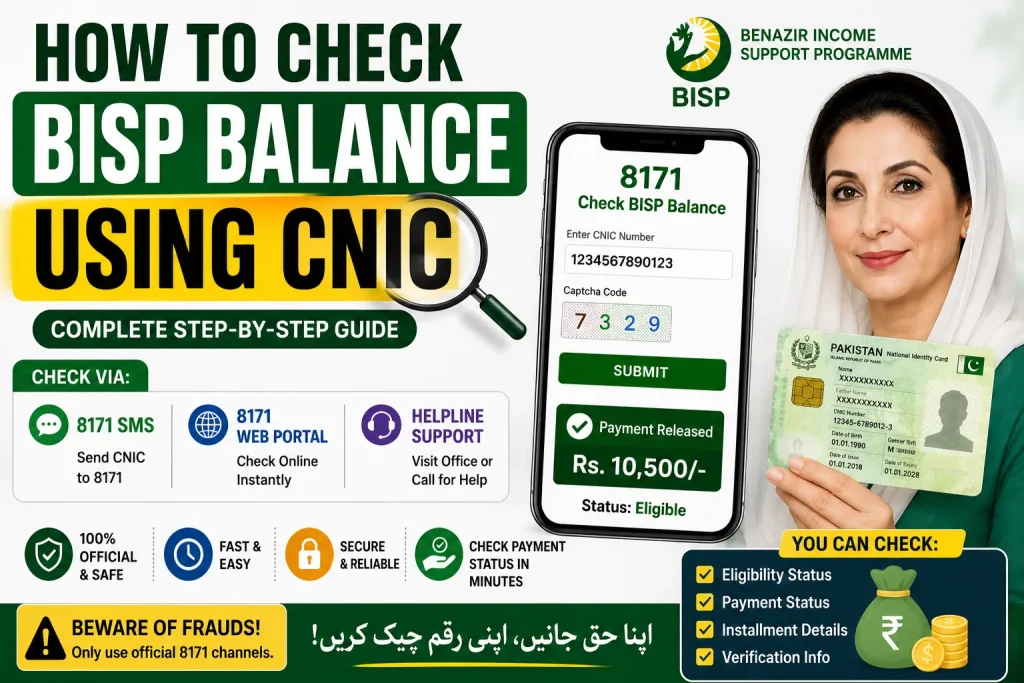
Steps To Use The 8171 Portal
- Open the official 8171 BISP portal
- Enter your CNIC number
- Complete the captcha code
- Click the submit button
The system may show:
- Payment status
- Eligibility confirmation
- Survey verification updates
- Next installment details
Why Many People Prefer The Online Method
- Instant results
- No SMS waiting time
- More detailed information
- Easy access from mobile or computer
How To Check If Your BISP Payment Has Been Released
Sometimes beneficiaries are eligible but payments are still pending. Here are common payment statuses you may see:
| Status | Meaning |
|---|---|
| Eligible | Your CNIC qualifies for the program |
| Under Verification | Your data is still being reviewed |
| Payment Released | Your installment is available |
| Ineligible | You currently do not qualify |
| Survey Required | NSER survey update is needed |
If your payment is released, you can collect it through the assigned payment center, retailer, or wallet system if applicable.
Common Problems While Checking BISP Balance
Many users face small issues during verification. Here are the most common ones and how to fix them.
CNIC Not Recognized
Possible reasons include:
- Incorrect CNIC entry
- Expired CNIC
- System update delays
- Incomplete registration
Double-check your number and try again after some time.
No Reply From 8171
If you do not receive a response:
- Check mobile network signals
- Ensure enough balance for SMS
- Send the message again later
- Avoid sending repeated messages quickly
Payment Not Showing
In some cases, payments are delayed due to:
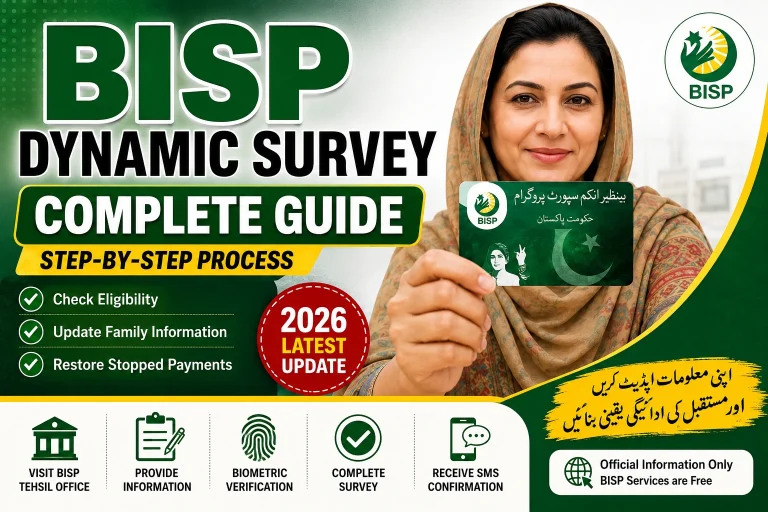
- Dynamic survey verification
- Biometric issues
- New installment schedule updates
- Account review process
Visit the nearest BISP office if the issue continues for several weeks.
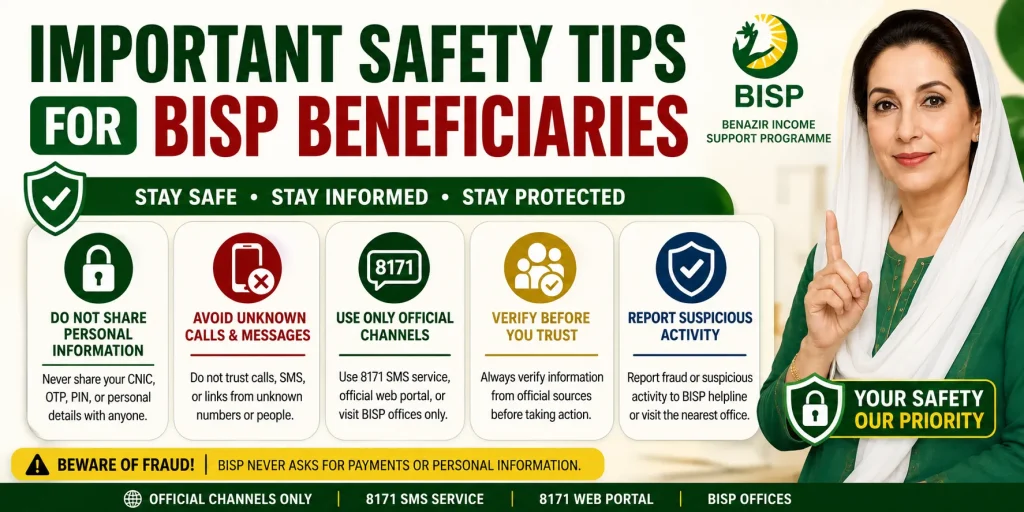
Important Safety Tips For BISP Beneficiaries
Fraud cases related to BISP payments have increased in recent years. Follow these precautions carefully:
Never Share These Details
- OTP codes
- ATM PINs
- Personal banking information
- Biometric verification data
Only Use Official Sources
Trust only:
- 8171 SMS service
- Official BISP portal
- Registered BISP offices
Ignore random WhatsApp forwards or fake social media announcements.
Keep Your CNIC Updated
An expired CNIC can delay payments or block verification. Renew it immediately if needed.
Can You Check BISP Balance Without Internet?
Yes. The 8171 SMS service works without internet access. This is especially useful for rural areas where internet coverage is limited.
All you need is:
- A working mobile SIM
- Your valid CNIC number
- SMS balance
What To Do If You Are Declared Ineligible
Being marked ineligible does not always mean permanent disqualification.
You may still qualify if:
- Your family data changed
- Income details were updated
- A new NSER survey becomes available
- Previous information contained errors
Visit your nearest BISP registration center and request data verification.
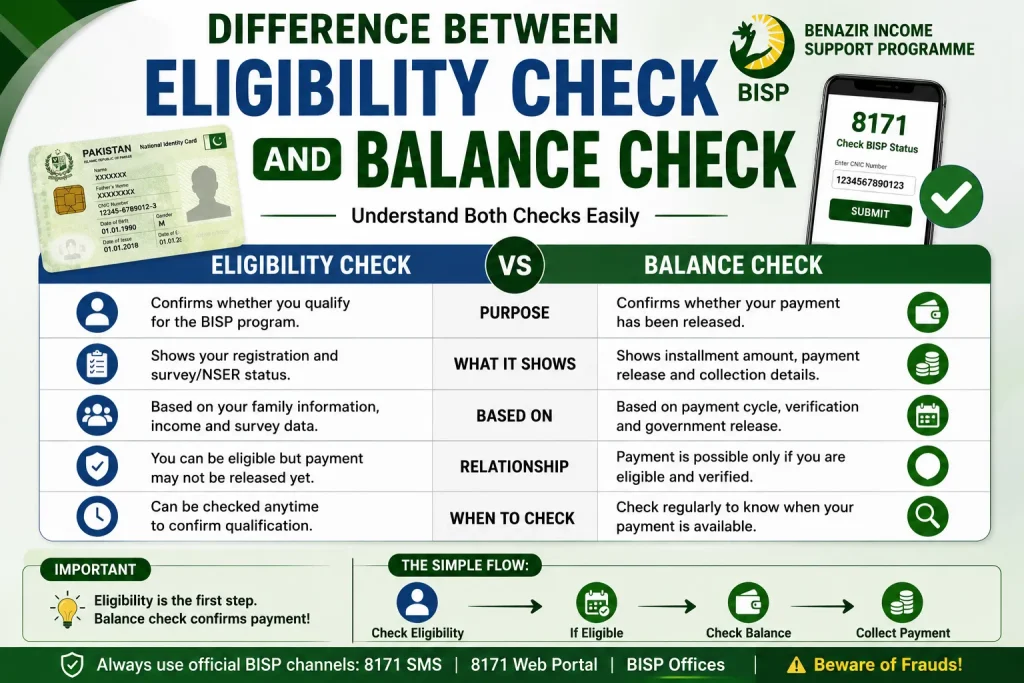
Difference Between Eligibility Check And Balance Check
Many people confuse these two terms.
| Eligibility Check | Balance Check |
|---|---|
| Confirms if you qualify | Confirms if payment is available |
| Shows registration status | Shows installment release |
| Linked to survey data | Linked to payment cycle |
Understanding the difference helps avoid confusion when checking updates.
Why Regular BISP Verification Is Important
BISP frequently updates beneficiary records to ensure assistance reaches deserving families. If your survey, biometric verification, or household information changes, your payment status may also change.
That is why checking your balance and eligibility regularly can help you:
- Avoid payment interruptions
- Complete verification on time
- Stay informed about new installments
- Resolve problems quickly
Conclusion
Checking your BISP balance using CNIC is now easier than ever. Whether you use the 8171 SMS service, the online portal, or visit a nearby office, the process only takes a few minutes when done correctly.
Always use official channels, keep your CNIC updated, and stay alert for fake messages or scams. A quick balance check can save you time, stress, and unnecessary visits to payment centers.
FAQs
How can I check my BISP balance through SMS?
Send your 13-digit CNIC number to 8171 without spaces or dashes. You will receive a reply with your status and payment details.
Is the 8171 portal free to use?
Yes, the official BISP 8171 portal is free for all users.
Why is my BISP payment delayed?
Delays may happen because of verification issues, biometric mismatches, survey updates, or installment scheduling.
Can I check BISP balance using someone else’s phone?
Yes, but entering the correct CNIC number is necessary. Using your own registered SIM is recommended.
What should I do if my CNIC is blocked?
Visit NADRA to update or renew your CNIC before contacting BISP again.
Is there an app for checking BISP balance?
Currently, most beneficiaries use the 8171 portal and SMS service rather than a dedicated official app.