How To Solve BISP Verification Problems Easily
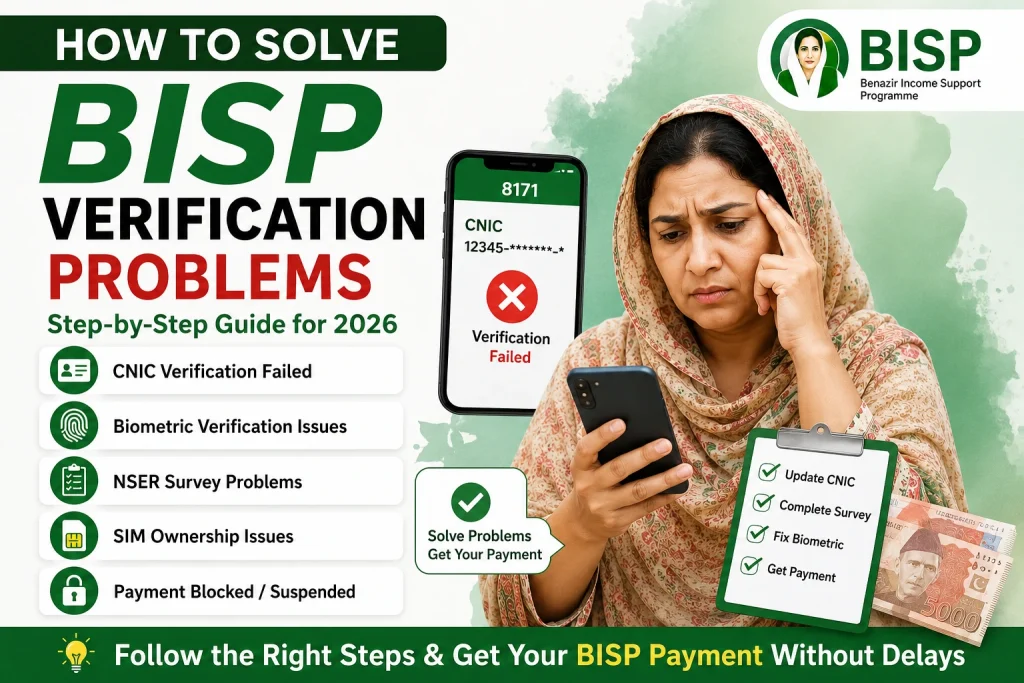
Many families registered in the Benazir Income Support Programme struggle with verification issues that delay payments or make them temporarily ineligible. Some people receive messages saying their CNIC is invalid, while others face biometric failures or incomplete survey records.
The good news is that most BISP verification problems can be solved without paying agents or middlemen.
This guide explains the real causes behind verification issues and the exact steps you can take to restore your eligibility and receive payments smoothly.
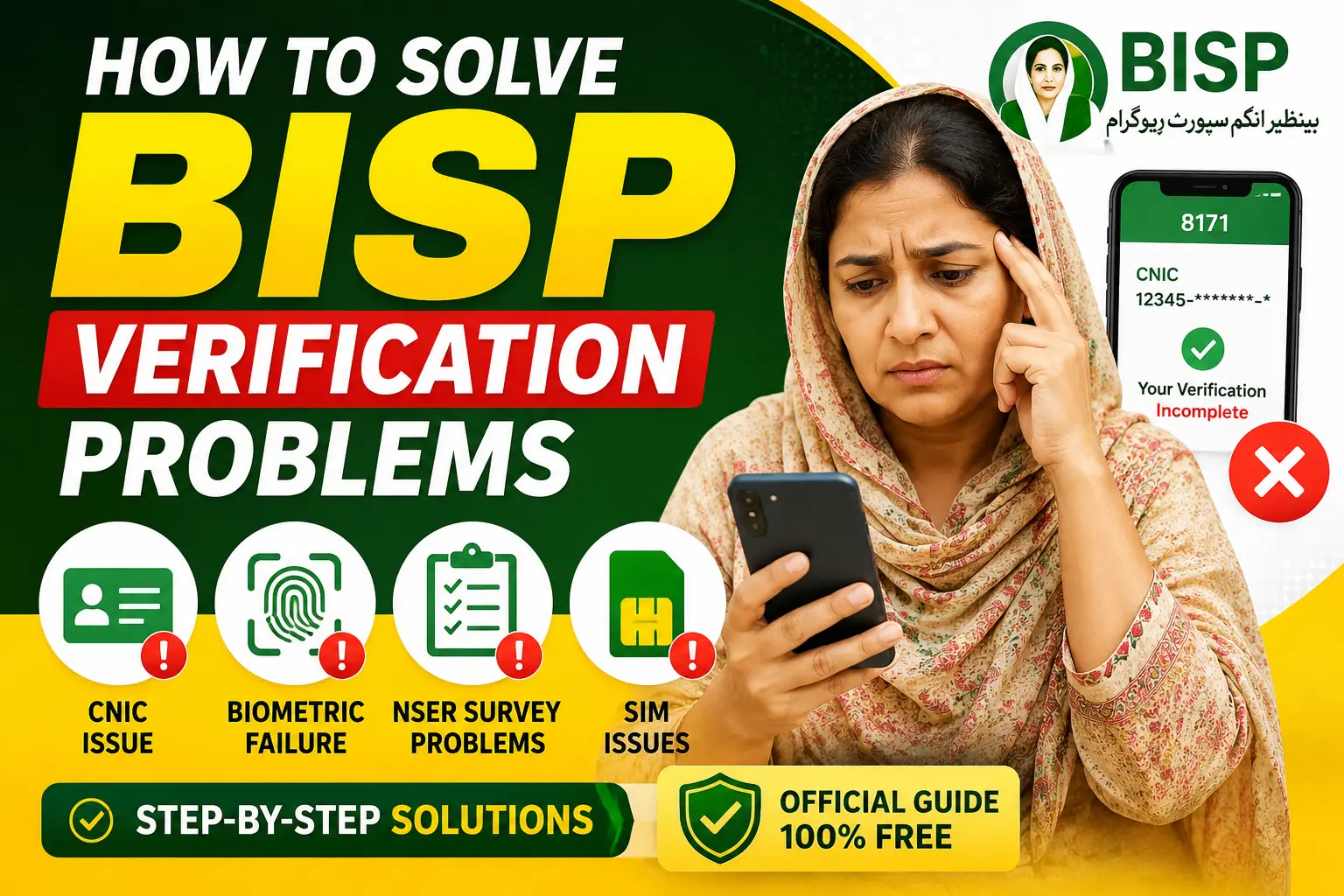
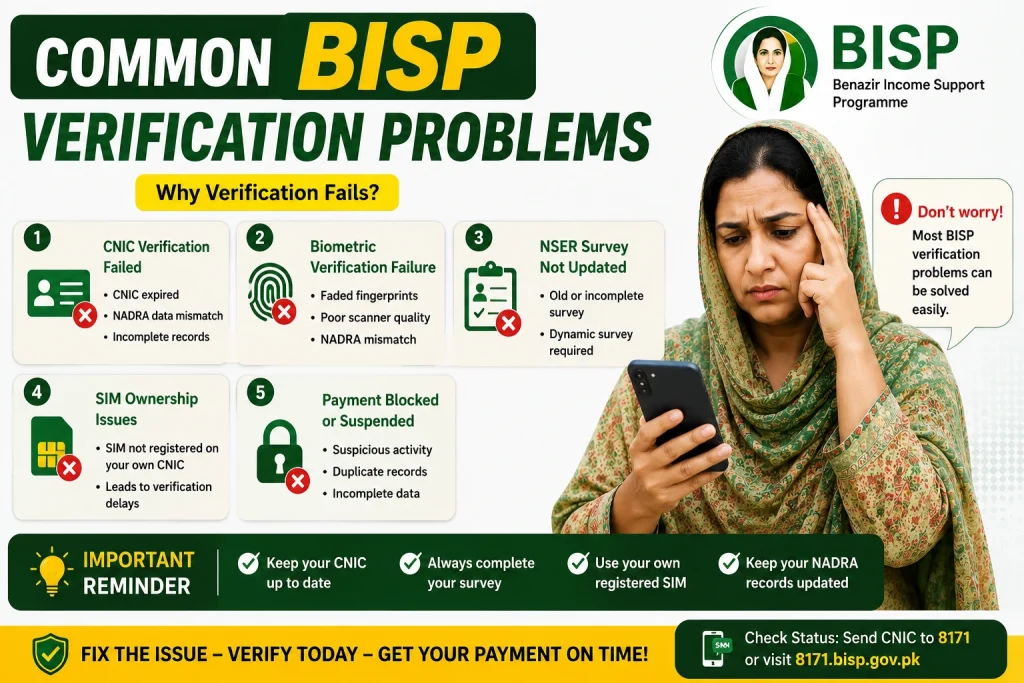
Common BISP Verification Problems in 2026
Before solving the issue, it helps to understand why verification fails in the first place.
1. CNIC Verification Failed
This usually happens when:
- Your CNIC has expired
- NADRA data is incomplete
- Your family record is outdated
- There is a mismatch in your information
In many cases, beneficiaries continue using expired CNICs without realizing that BISP automatically blocks verification after expiration.
2. Biometric Verification Failure
Fingerprint verification problems are extremely common, especially among elderly women and laborers whose fingerprints become unclear over time.
Common causes include:
- Faded fingerprints
- Poor scanner quality
- NADRA biometric mismatch
- Damaged fingers or skin
3. NSER Survey Not Updated
The National Socio-Economic Registry survey determines whether a family qualifies for assistance.
If your survey is old or incomplete, your status may show:
- Under verification
- Ineligible
- Dynamic survey required
4. SIM Ownership Issues
Many beneficiaries now face verification delays because their SIM card is not registered under their own CNIC.
BISP increasingly links verification with mobile records to reduce fraud and duplicate registrations.
5. Payment Blocked or Suspended
Some accounts are temporarily blocked because of:
- Suspicious activity
- Duplicate family records
- Incomplete family data
- Re-verification requirements
How To Solve BISP Verification Problems Step By Step
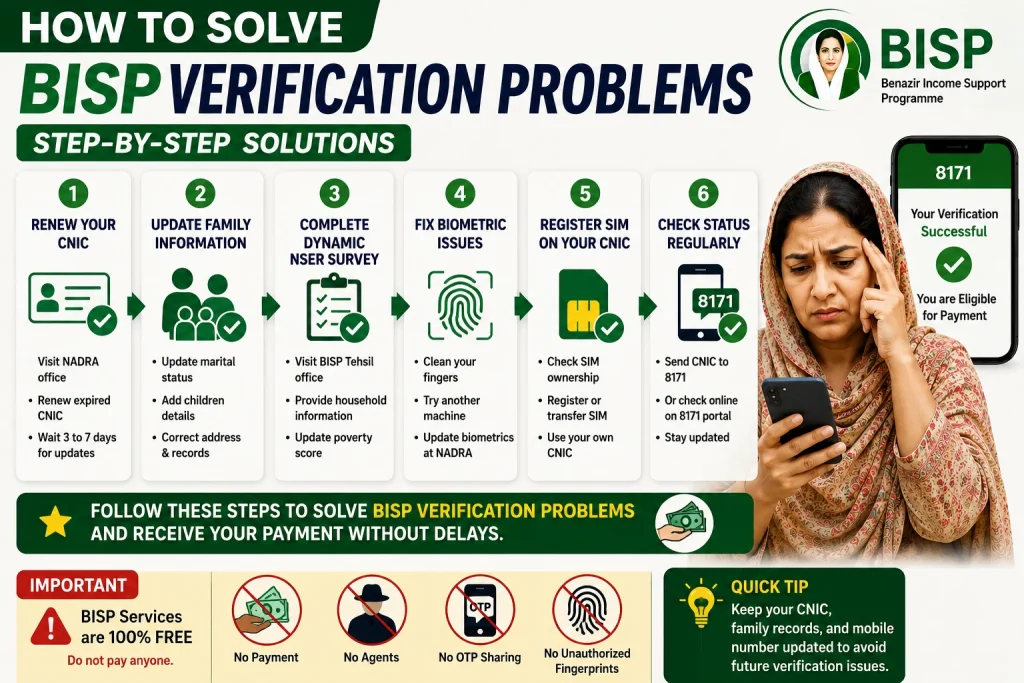
Renew Your CNIC First
If your CNIC is expired, visit the nearest National Database and Registration Authority office immediately.
After renewal:
- Wait 3 to 7 days for database updates
- Send your CNIC number to 8171
- Recheck your status online or through SMS
Without a valid CNIC, verification usually cannot proceed.
Update Your Family Information at NADRA
Incorrect family records often create eligibility problems.
You should update:
- Marital status
- Husband or wife details
- Children’s information
- Death certificates if applicable
- Address information
Even small mismatches between NADRA and BISP records can trigger verification delays.
Complete the Dynamic NSER Survey
If you receive a message asking for a dynamic survey, do not ignore it.
Visit the nearest BISP Tehsil office with:
- Original CNIC
- Children’s B-Forms
- Utility bill if available
- Registered mobile number
The staff will update your household information and poverty score.
This is one of the most effective ways to restore eligibility.
Fix Biometric Verification Issues
If fingerprint verification keeps failing:
Try These Solutions
- Wash and moisturize your hands before scanning
- Visit another payment center with better machines
- Ask for facial verification if fingerprints do not work
- Update biometrics at NADRA
In serious cases, NADRA may re-register your fingerprints.
Register a SIM on Your Own CNIC
Your mobile number should always be registered in your own name.
To check:
- Visit your mobile franchise
- Verify SIM ownership
- Transfer the SIM if necessary
This helps prevent future verification problems and payment delays.
How To Check BISP Verification Status
You can check your status through two official methods.
Method 1: SMS Verification
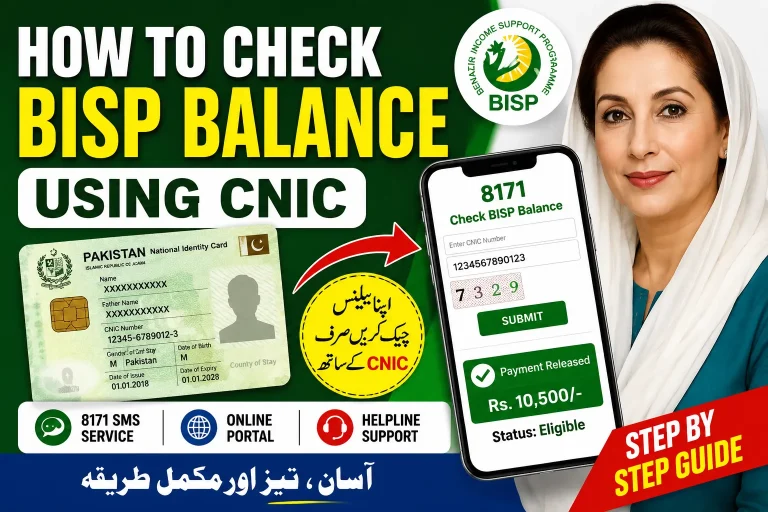
Send your CNIC number to 8171.
You will receive a reply about:
- Eligibility
- Verification status
- Payment information
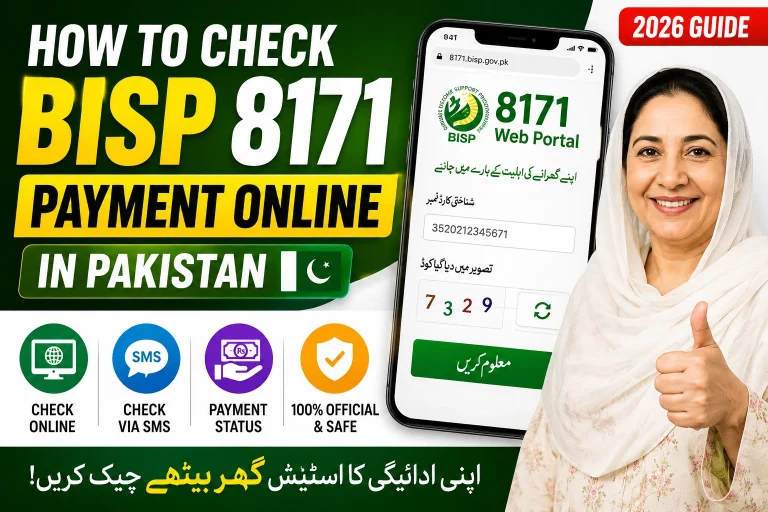
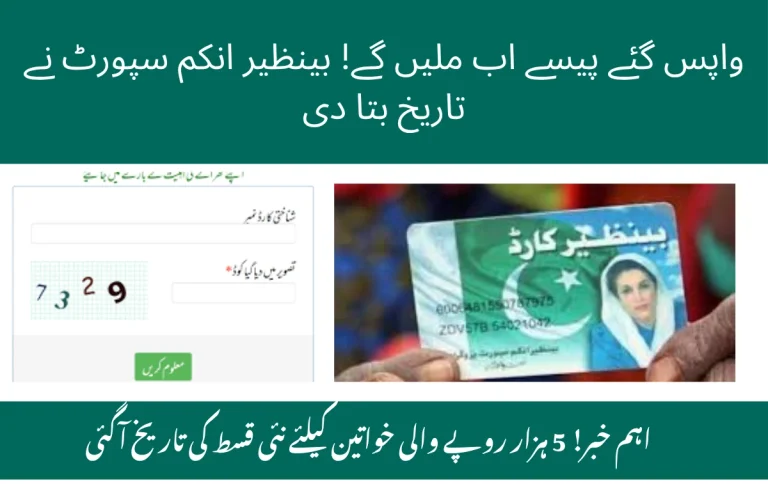
Method 2: 8171 Web Portal
Visit the official BISP portal and enter:
- CNIC number
- Captcha code
The system will display your current verification and payment status.
Important Things To Avoid
Many people lose money because they trust unofficial agents.
Never:
- Pay anyone for verification
- Share OTP codes
- Give fingerprints to unauthorized people
- Trust fake Facebook pages or WhatsApp groups
BISP verification is completely free.
What To Do If Your Problem Still Isn’t Solved
If your verification remains pending after updating records:
- Visit the nearest BISP office again
- Carry all original documents
- Ask for complaint registration
- Keep your SMS records safely
Some cases require manual review and may take additional time.
Conclusion
BISP verification problems are frustrating, but most can be solved by updating your CNIC, completing the NSER survey, correcting NADRA records, and fixing biometric issues.
The key is to follow official procedures and avoid relying on agents who demand money.
Once your information is properly updated, your eligibility and payments usually resume without major complications.
FAQs
Why is my BISP verification pending?
Your verification may remain pending because of outdated CNIC data, incomplete NSER records, or biometric mismatches.
How long does BISP verification take?
Most updates are processed within a few days, but some cases may take several weeks depending on record verification.
Can I receive BISP payment without biometric verification?
In some special cases, alternative verification methods may be allowed after approval from BISP authorities.
What documents are required for BISP re-verification?
Usually you need:
- Original CNIC
- Children’s B-Forms
- Registered mobile number
- Household information
Is BISP verification free?
Yes. Official BISP verification and surveys are completely free.